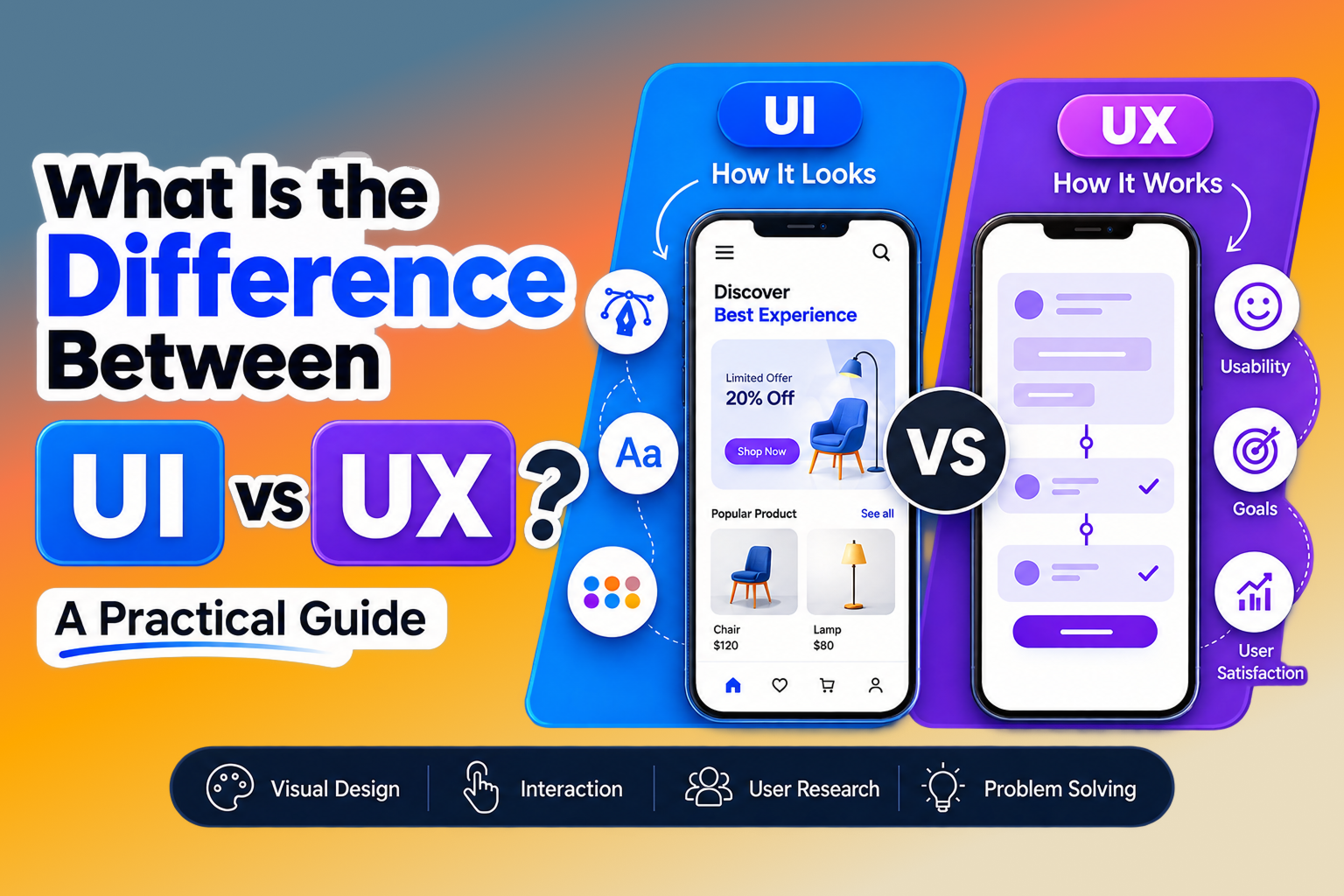


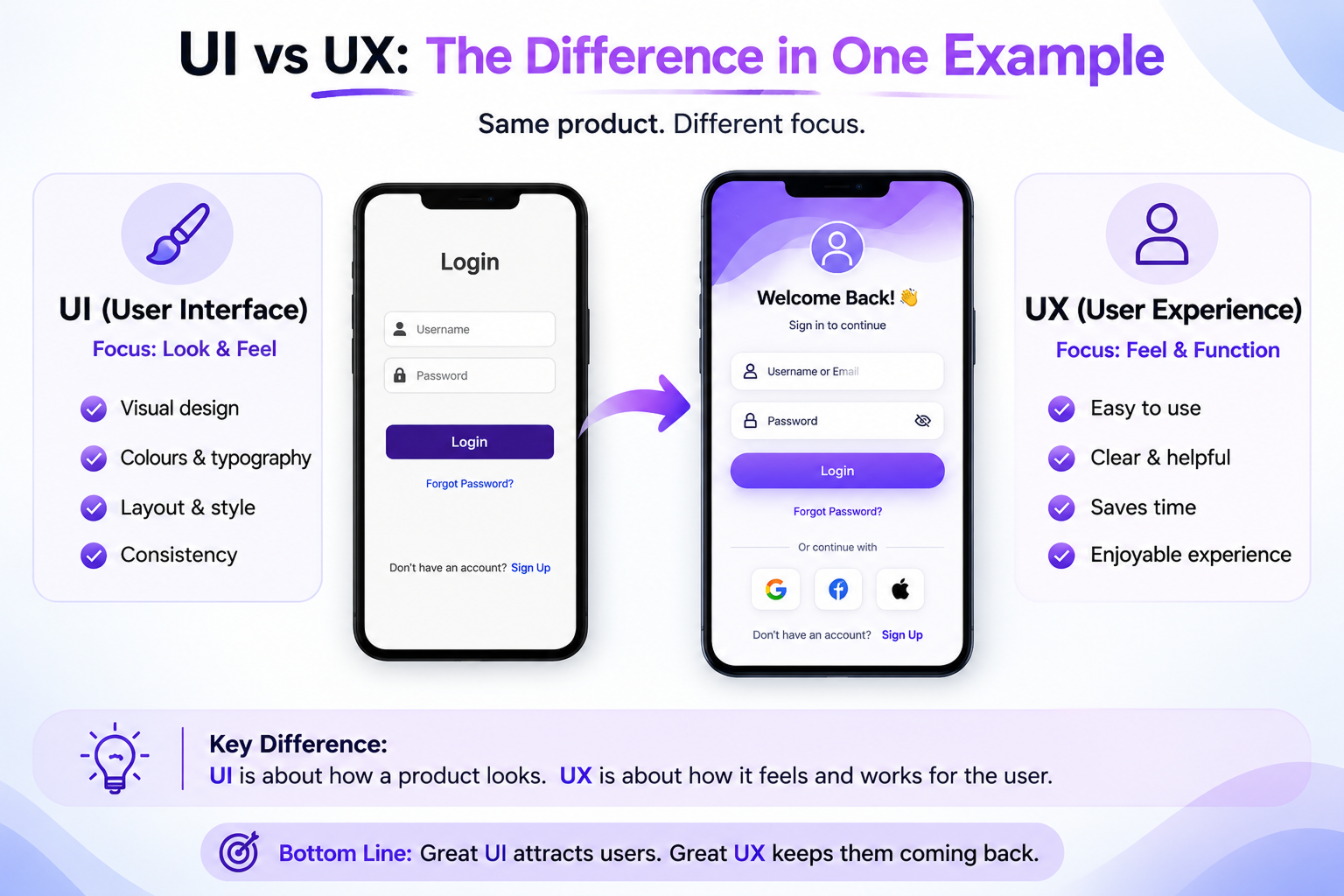
UI and UX are often used together, but they solve different parts of the product design problem. UI shapes what people see and touch. UX shapes what people understand, feel, and achieve while using a product.
That distinction matters for websites, mobile apps, SaaS dashboards, ecommerce stores, and every digital experience where attention is limited and expectations are high.
This guide explains the difference between UI and UX in plain language, shows how the two disciplines work together, and gives you a practical way to improve both.
What Does UI Mean?
UI means user interface. It is the visible and interactive layer of a digital product: layout, typography, colour, buttons, icons, cards, forms, animations, and states such as loading or error.
A UI designer decides how information is presented and how controls communicate their purpose. Strong UI is not decoration added at the end. It creates visual hierarchy so users can notice the right thing, understand it quickly, and act with confidence.
- Visual language: type, colour, spacing, imagery, and composition.
- Interaction details: buttons, menus, inputs, hover states, and feedback.
- Consistency: reusable components that make the product feel coherent.
- Accessibility: readable contrast, focus states, touch targets, and responsive layouts.
What Does UX Mean?
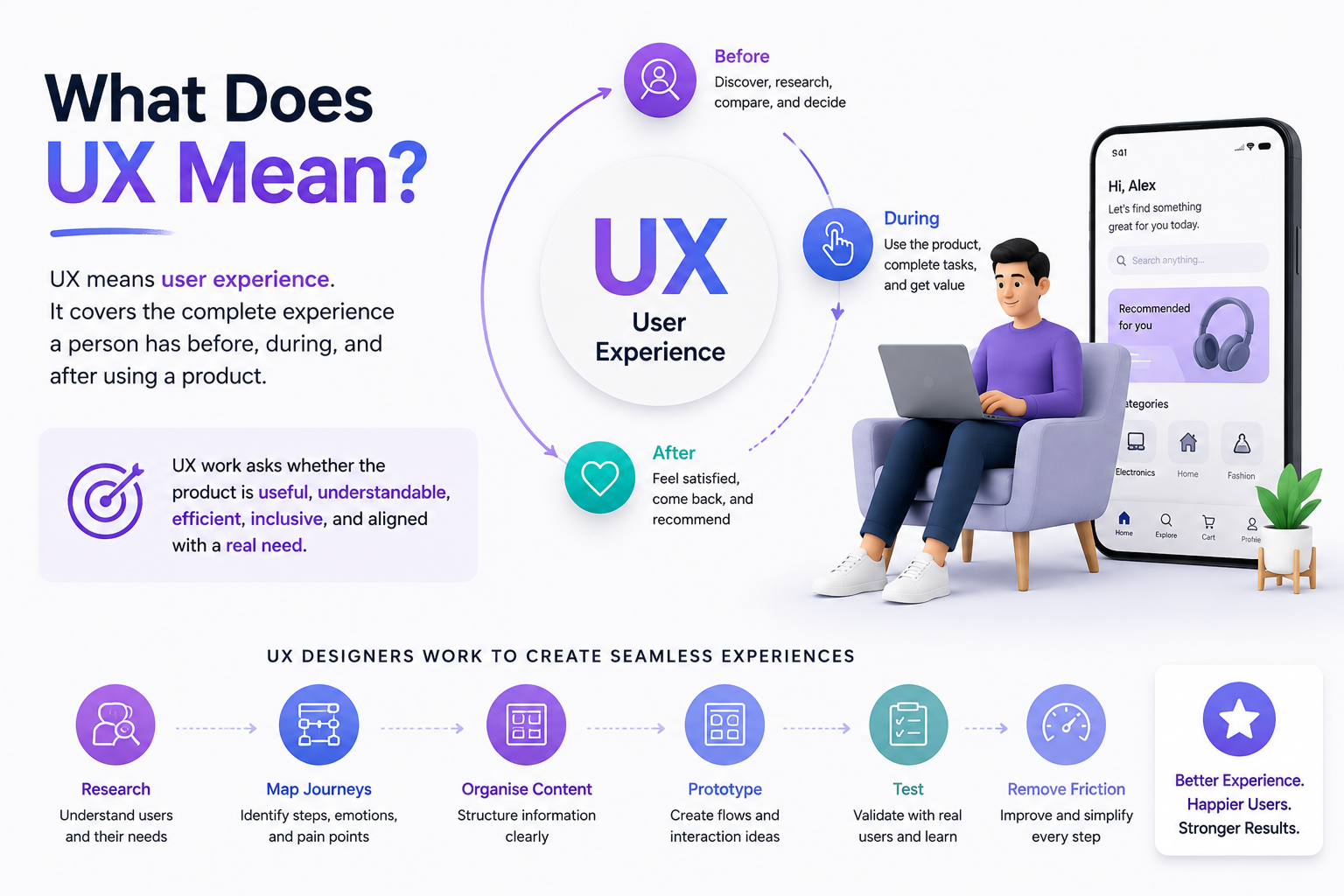
UX means user experience. It covers the complete experience a person has before, during, and after using a product. UX work asks whether the product is useful, understandable, efficient, inclusive, and aligned with a real need.
UX designers research users, map journeys, organise content, prototype flows, test assumptions, and remove friction. The final screen is only one moment in a much larger experience.
UI vs UX: The Difference in One Example
Imagine an ecommerce checkout. UI includes the checkout layout, field styling, button hierarchy, order summary, icons, and confirmation animation. UX includes deciding which fields are necessary, the order of steps, how errors are repaired, whether shipping costs appear early, and how quickly a customer can finish.
A checkout can look beautiful and still have poor UX if it asks for too much information or hides the final price. It can also have a sensible flow but weak UI if the controls are hard to scan or the error messages are unclear. Great products need both layers working together.
How UI and UX Work Together
UI and UX are different specialisms, not competing departments. UX defines the problem and the path. UI gives that path a clear, expressive, and usable interface. Decisions should move between them continuously as research, prototypes, and testing reveal new information.
- UX research identifies user needs, context, pain points, and success criteria.
- Information architecture organises content and features into a findable structure.
- Wireframes and prototypes test the flow before visual polish makes changes expensive.
- UI design turns the validated structure into a responsive visual system.
- Usability testing checks whether people can complete the task, not just whether they like the screen.
UI Designer vs UX Designer: Skills and Responsibilities
UI designers typically focus on visual systems, interaction states, responsive composition, component libraries, prototyping, and visual quality. They care deeply about how the product communicates at a glance.
UX designers typically focus on research, user journeys, information architecture, task flows, wireframes, usability testing, and product strategy. They care deeply about whether the experience solves the right problem.
In smaller teams, one product designer may own both. The titles matter less than making sure both the human problem and the interface details receive deliberate attention.
Should You Start With UI or UX?
Start with UX when the problem, audience, or workflow is still uncertain. Research and rough prototypes help you avoid polishing the wrong solution. Start with an existing UI system when the product direction is clear and the challenge is consistency, accessibility, or visual refinement.
- New product or unclear problem: begin with research, journeys, and low-fidelity flows.
- Existing product with usability complaints: audit the experience before redesigning the screens.
- Established flow with inconsistent visuals: improve the UI system and component states.
- Conversion or retention problem: combine UX diagnosis with focused UI experiments.
Common UI and UX Mistakes
Treating UI as decoration. A beautiful interface cannot compensate for confusing navigation, unclear content, or a broken task flow.
Designing from assumptions. Teams often optimise for internal preferences instead of observing what users actually need to do.
Testing only the happy path. Empty states, slow connections, validation errors, permissions, and handoffs are part of the experience too.
Measuring clicks without outcomes. More interaction is not automatically better. Track task success, completion, comprehension, and user confidence.
A Practical UI/UX Checklist
- Can users explain what this page is for within a few seconds?
- Is the primary action visually obvious and easy to reach?
- Does the flow ask only for information that is necessary?
- Do labels, icons, and messages use language people understand?
- Are loading, empty, error, success, and permission states designed?
- Does the experience work for keyboard, touch, mobile, and assistive technology users?
- Have real users tested the task from start to finish?
Final Thoughts: Build the Experience, Then Refine the Interface
The simplest answer to “what is the difference between UI and UX?” is this: UI is the interface people use, while UX is the experience they have across the entire journey. UI is a critical part of UX, but UX reaches beyond the pixels.
When both are treated as one connected design practice, products become easier to understand, more enjoyable to use, and more effective for the business behind them. Need help improving your website or product experience? Contact Webx Design Studio for a focused design review.